MEET THE BETTERSHIP AGENTS
AI agents that help you learn, practice, and put it to work
Four agents each help with one part of getting better, from reading what you add to turning it into prompts and skills for your AI tools. They all work from the same picture of what you’re after, and you choose what to take on.
Get started for free.

Getting better is hard
Reaching an ambition means learning something new, practicing it until you’re confident, and using it for real. That last step is often the hardest. And you’re usually doing all of it alone, around your job and everything else going on in your life. The Bettership agents help with each of those hard parts, so you get closer to the ambition you’ve set for yourself.
Meet Steward, Scout, Coach, and Maker
Steward helps you set your ambition. Scout, Coach, and Maker each help with one of the hard parts on the way there.

Steward
Tell Steward what you’re working toward, even if it’s still rough. It talks it through with you and drafts a focus area for you to approve. It also keeps what you’ve shared about yourself current and answers questions about how Bettership works.

Scout
Scout reads everything you add, from a long podcast episode to a 40-page PDF, and tells you how it fits your focus. It helps keep your library organized, answers questions from your own resources, and finds new ones when you want more.

Coach
Coach is your tutor and practice partner. It builds quizzes, drills, and role-plays from what you’re learning. When you rehearse, it plays the other side and tells you what held up and what to change. Each week’s practice fits the time you have.
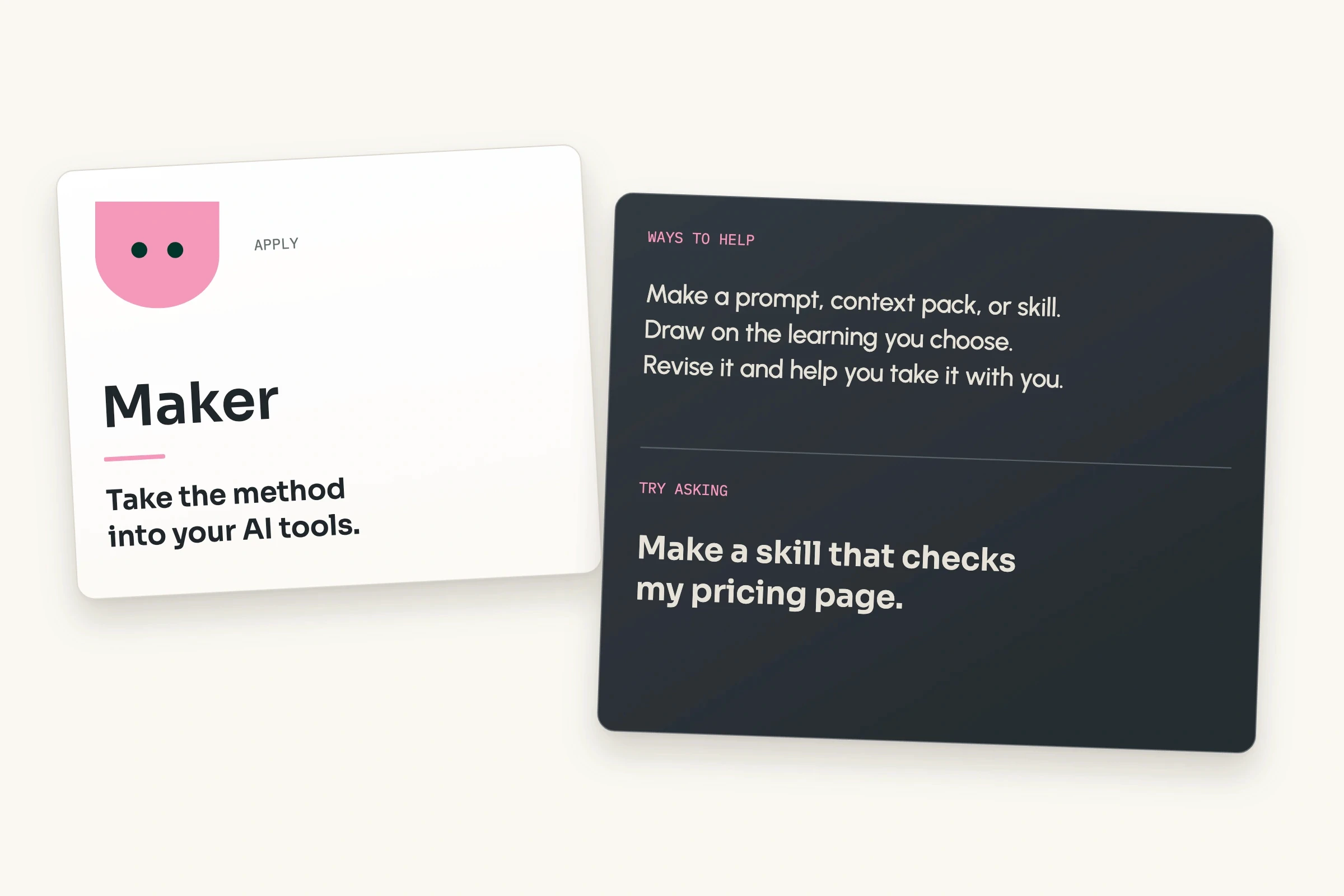
Maker
Maker turns the methods you learn into prompts, skills, and context packs for the AI tools you use, like Claude and ChatGPT, so what you learned shows up in your work. It also drafts ideas from your library for you to make or skip.
You set the direction. They come prepared.
Use the agents as much or as little as you like. They fit around how you already learn.

Ask whenever you want
Start a chat with any agent from anywhere in the app. Reading something? Highlight a passage and ask Scout, Coach, or Maker about it.

Start from what’s ready
Some help is waiting before you ask: Scout’s read on each new resource, this week’s practice from Coach, and Maker’s drafts of things worth making.

Keep what helps
Keep, change, or skip anything they suggest. You choose what to practice, what to make, and when.
Tell them once. They all remember.
All four agents work from the same workspace, so none of them starts from scratch.

One picture, shared by all four
Your focus areas, what you’ve added, what you’ve practiced, and what you’ve said about yourself sit in one place, and every agent works from it. Mention a new role or a deadline to one agent, and the others work from it too.

More specific the more you bring
Each resource you add and each practice session gives them more to draw on, so the next suggestion starts closer to where you are.
Only what you choose to share
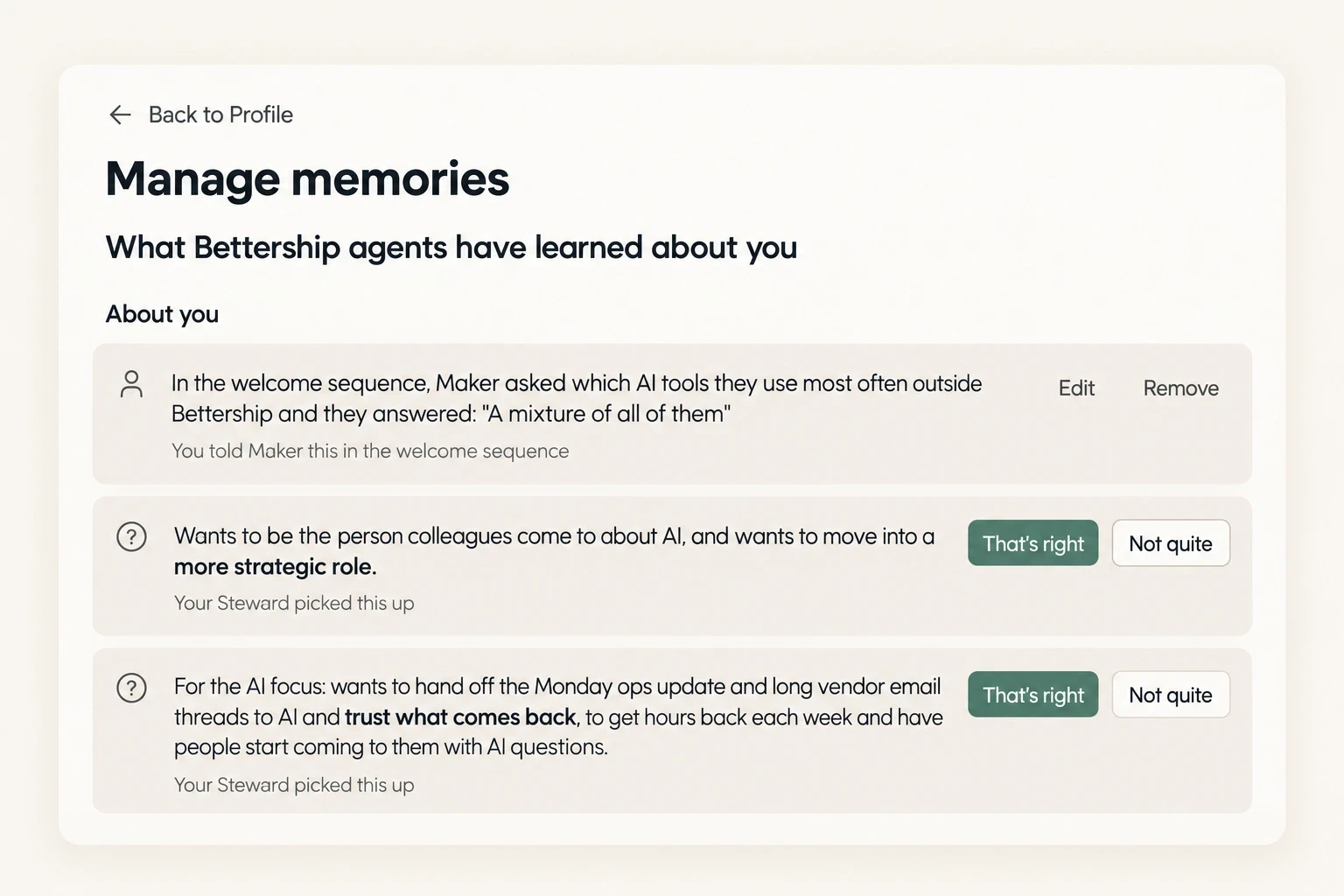
Your agents work only from what you add, capture, or tell them. They don’t read your email, calendar, or work files. You can see everything they’ve learned about you in Settings, and change or remove any of it.
Common questions
Getting better takes different kinds of help: making sense of what you learn, practicing it, and turning it into prompts and skills for your AI tools. Scout, Coach, and Maker are each built for one of those jobs, with their own tools, and Steward helps you set the ambition they all work toward. They share one workspace, so there’s nothing to keep in sync between them.
No. Start with whichever one fits what you need right now, and bring in the others when you need them. Each one is a click away from anywhere in the app.
They get things ready, like this week’s practice or a draft from Maker. Anything bigger waits for your OK, like a new focus area or making something new for your AI tools, and you can skip anything they suggest.
Yes. They can look back through your past conversations, and what matters most, like your role or a goal, is saved to your profile for all four to use.
Core, Plus, and Max all include unlimited conversations with all four agents, and talking to them never uses credits. When you get started for free, you get 15 conversations to begin with. See pricing
The agents work inside Bettership, and what they help you make goes with you. Maker’s prompts and skills install in Claude, ChatGPT, Cursor, and more on any plan. On Plus and Max, you can also connect Bettership so your library is right inside those tools. See Connected AI
We’re all trying to get better at something. Let’s do it together.
Each agent introduces itself the first time you open Bettership. Tell them what you’re working toward, and they’ll start from there.
Get started for free.