CONNECTED AI
Connect everything you’re learning to the AI tools you work in
One connection lets Claude, ChatGPT, Cursor, and your other AI tools search your library and use the skills you’ve made from it.
Get started for free.
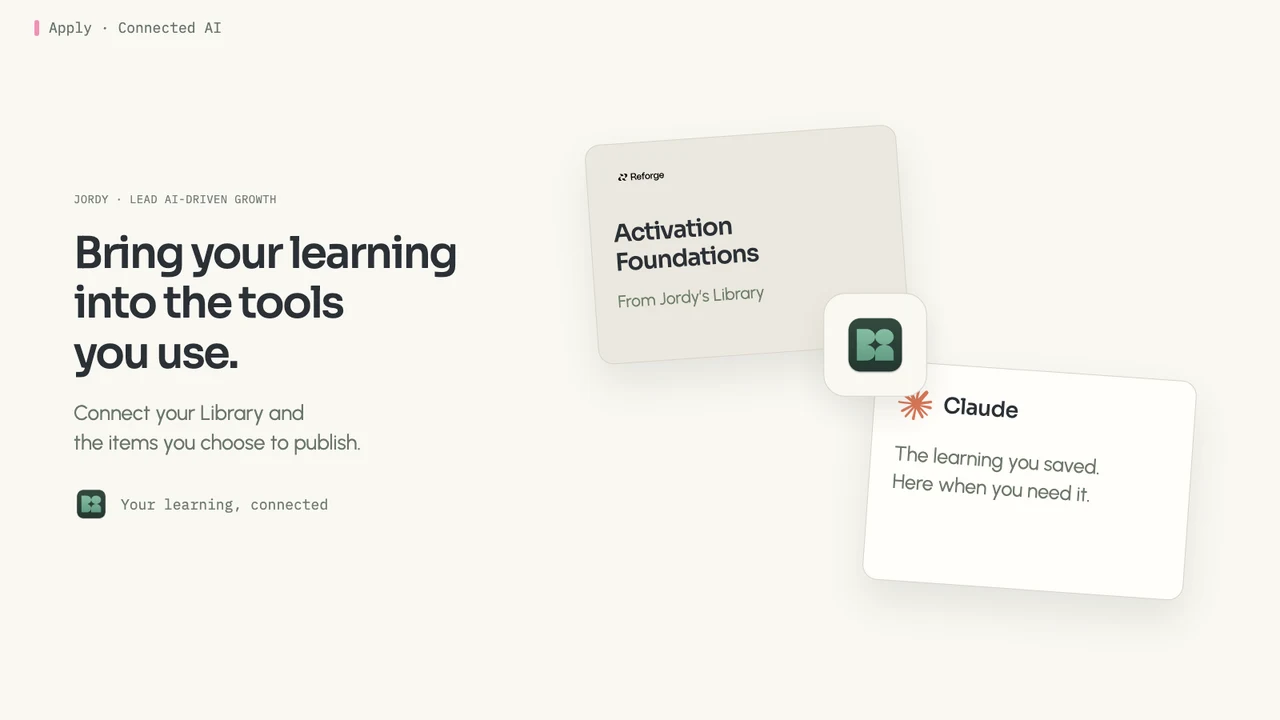
Keeping your AI tools up to date is a job of its own
The podcasts, videos, and courses you learn from each week are full of things that can move you toward what you’re after. But your AI tools see none of it unless you keep copying it in, so they fall further behind, and real work starts with you re-explaining what you know.
Set it up once. It stays current on its own.

Connect once
Add Bettership as a connector in Claude, ChatGPT, Cursor, or Grok Bot, or connect any other AI tool through MCP. Sign in, choose what to share, and you’re set.
Ask about what you’ve learned
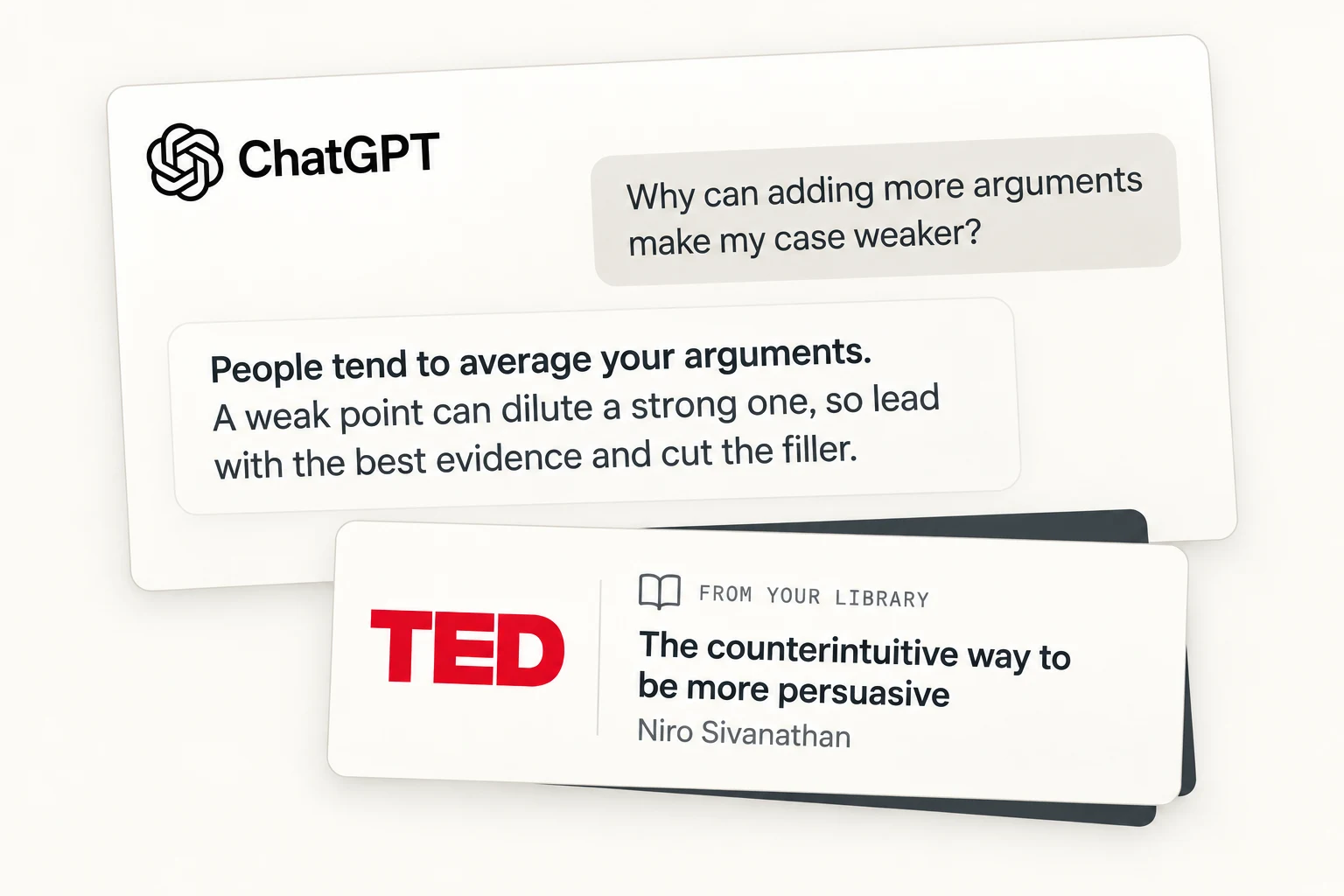
Ask your AI tool about anything in your library, like “What did last week’s negotiation podcast say about anchoring?” It searches your resources, pulls the passages that answer you, and names the resource each one came from.

Use your prompts, skills, and context packs
Everything you publish from Bettership is ready to use in your AI tool. In Claude Code, it’s one slash command.
Always current
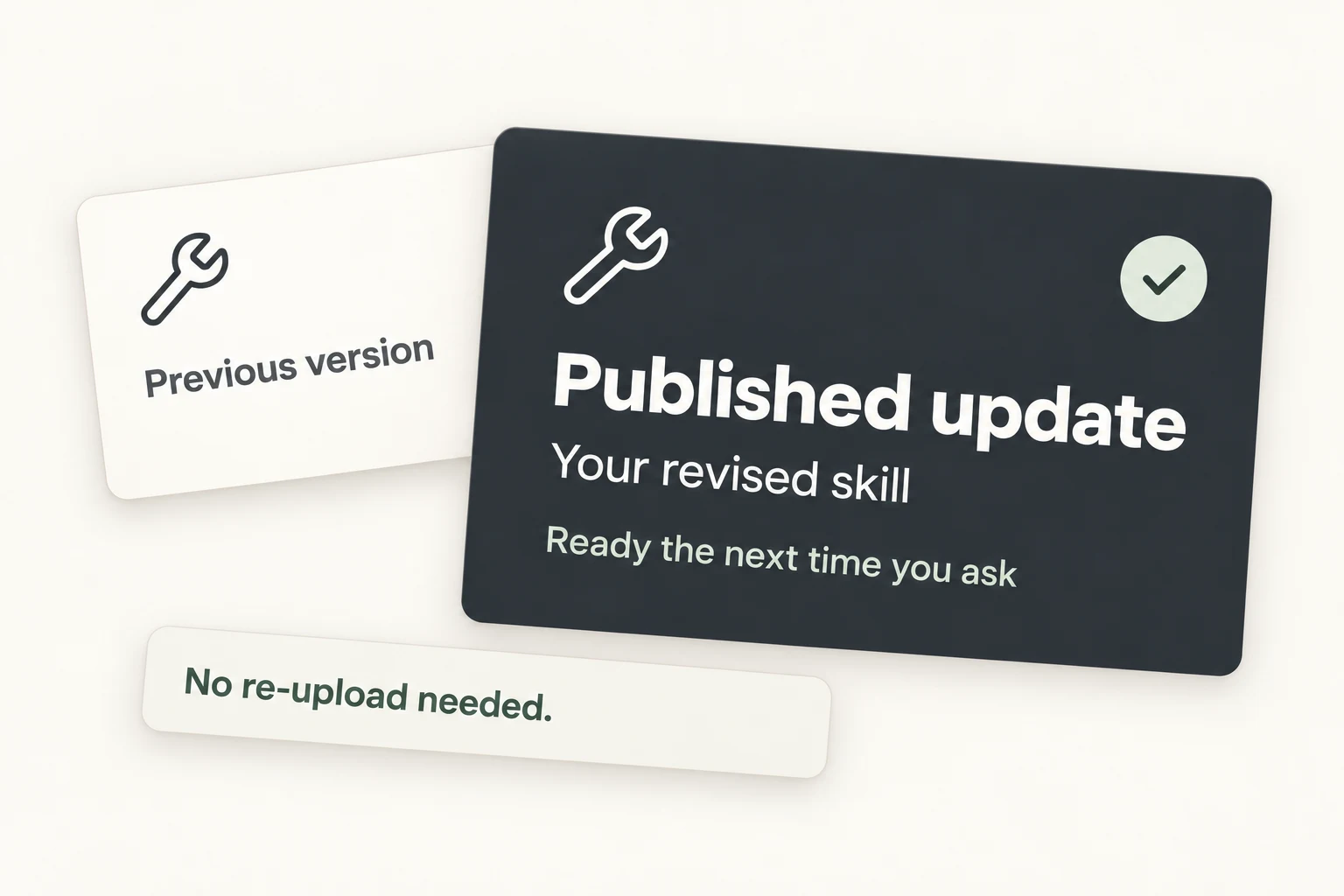
Add a new resource or publish an update to a skill, and your AI tools have it the next time you ask. Nothing to re-upload.
You decide what your AI tools can see

Choose what to share
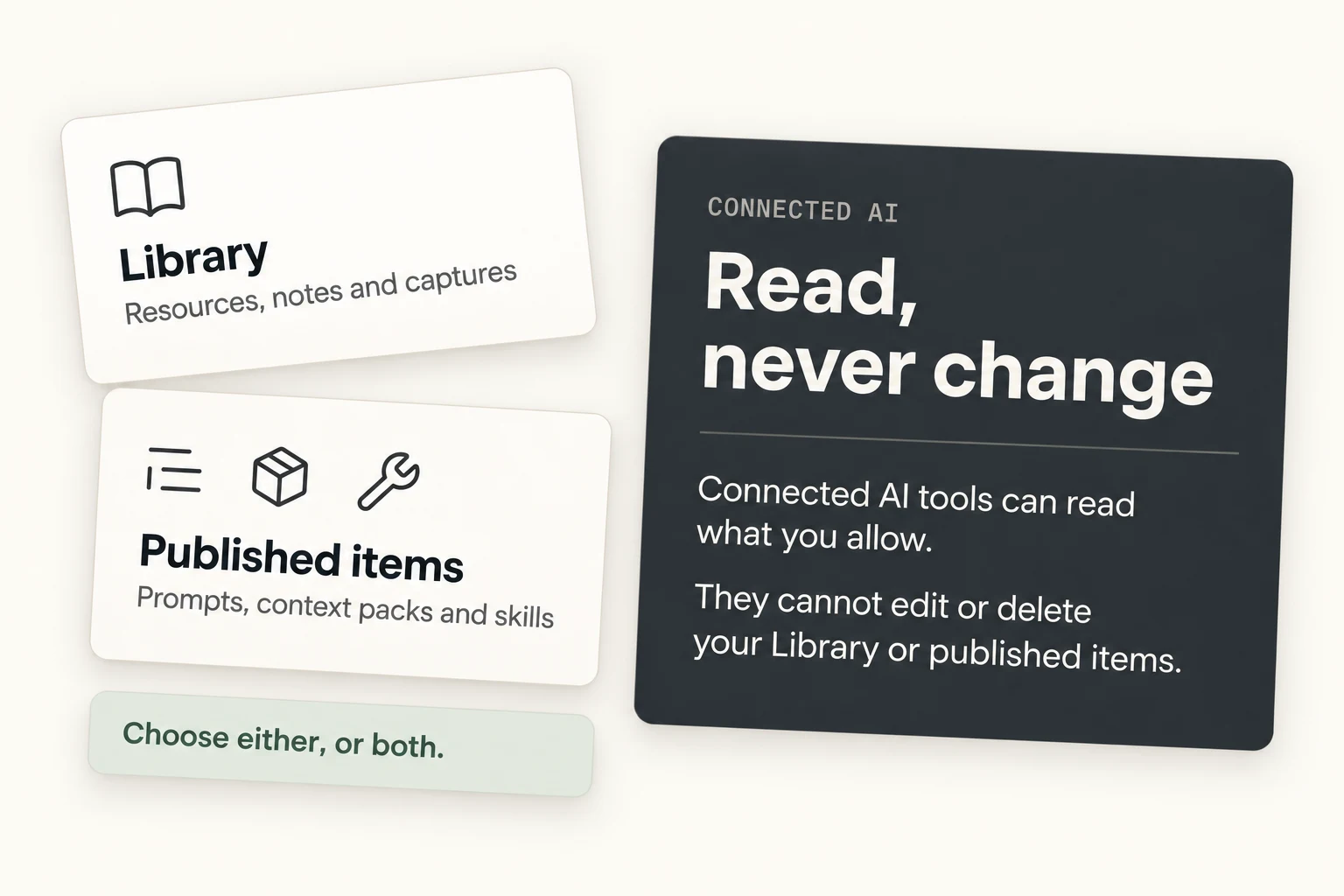
Share your library, the prompts and skills you publish, or both. Each item reaches your AI tools only when you publish it.
Read, never change
Your AI tools can read what you share, and that’s all. They can’t add, change, or delete anything in Bettership.

Your personal details stay put
Your profile, focus areas, practice history, and conversations stay in Bettership. A context pack shares only what you reviewed and approved before publishing it.
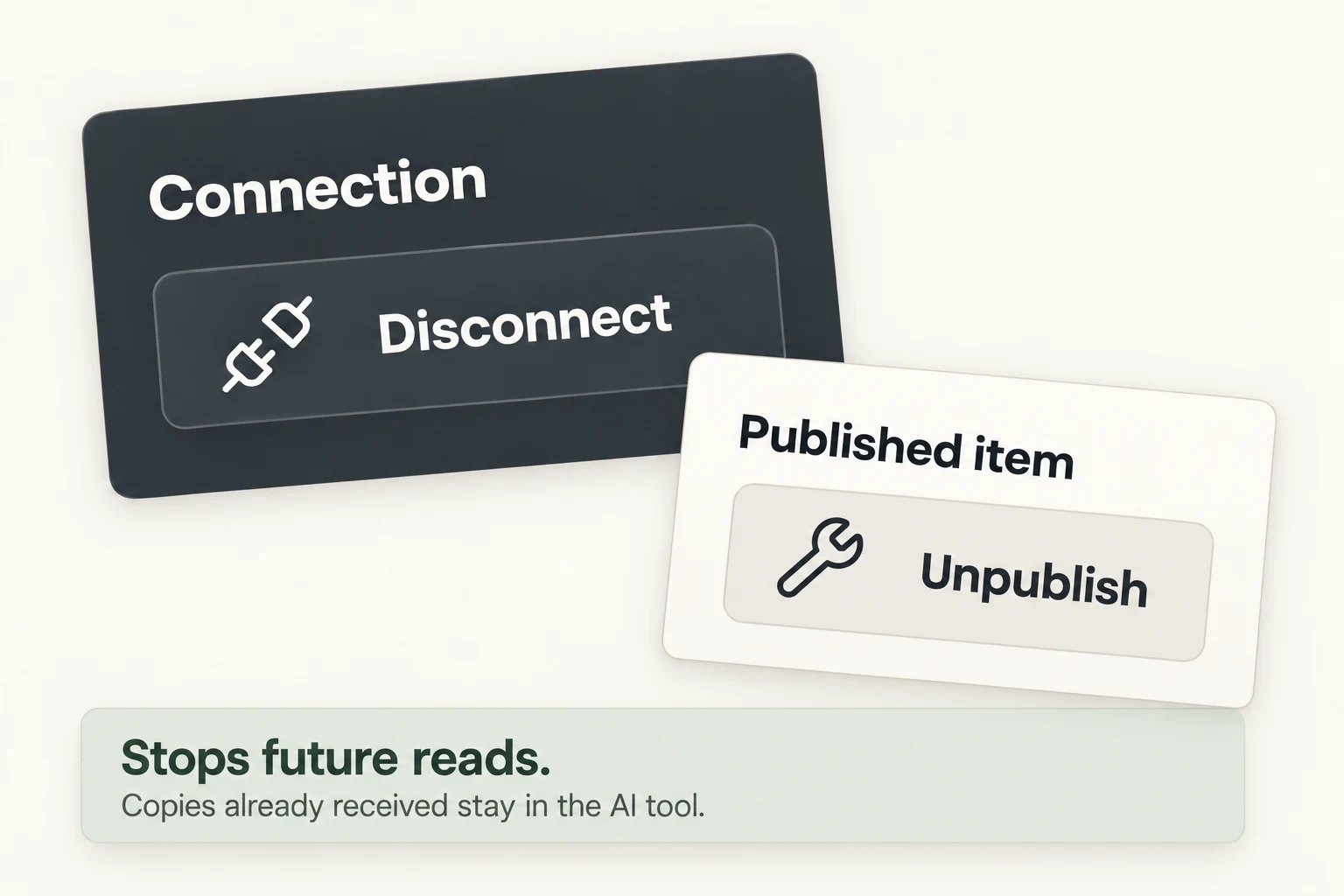
Disconnect anytime
Turn off a connection in Settings, or unpublish an item from the Studio, whenever you like.
Common questions
Bettership has connectors built for Claude, ChatGPT, Cursor, and Grok Bot, and a custom MCP connector for any other AI tool you work with. Setup is a few steps: add the connector, sign in, and choose what to share. See setup steps
MCP, short for Model Context Protocol, is the standard way AI tools connect to other apps. Claude, ChatGPT, Cursor, and many others support it, which is how Bettership works with all of them.
Only what you choose to share: your library, including the passages in your resources and the ideas and frameworks they cover, and the prompts, skills, and context packs you publish. It can read them but never change them.
Yes. Bettership asks your AI tool to name the resource behind each answer, and to link to the original when there is one.
Your AI tool can’t read anything new from Bettership. Anything it already pulled into a chat stays in that chat, the same as anything else you’ve shared with it.
The connection needs a Plus or Max plan. Every plan can make prompts, skills, and context packs to download. See pricing
Learn it in Bettership. Use it everywhere you work.
Connect Bettership once, and Claude, ChatGPT, and the rest can draw on what you’ve learned in every task, so your work keeps moving you toward what you’re after.
Get started for free.