LIVE CAPTURE
The AI notepad for live courses and workshops
The Bettership desktop app listens while you take notes, then turns the transcript, your notes, and your screenshots into a summary of what was taught. No bot joins the call.
Get started for free.

Live sessions move fast
A good workshop gives you more than you can write down. You’re listening, typing, and trying to catch the slide before it changes. A day later, most of it has faded. And the notes you did take sit on their own, with no link to the podcast or article that made a related point the same week.
Stay in the session. Bettership keeps up.
Start a capture when the session begins, take notes the way you normally would, and finish when it ends.

Works with any session
Capture your microphone, your computer’s audio, or both. That covers a workshop on Zoom, a webinar in your browser, a course video, or a session in the room.
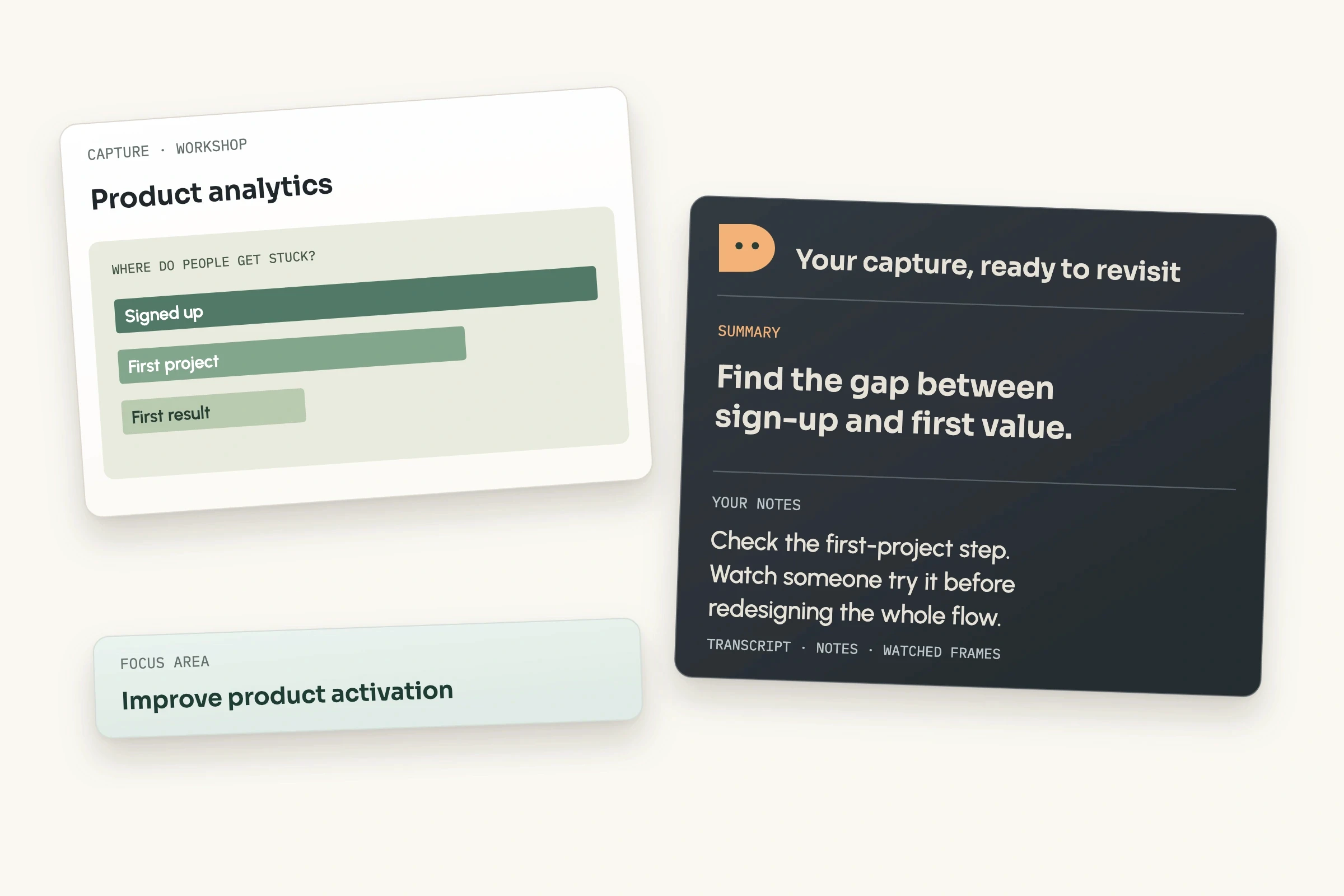
Take notes while it listens
Type your own notes as the live transcript scrolls by. Grab any slide with one shortcut, or point Bettership at the shared screen and it keeps a frame each time what’s on it changes.
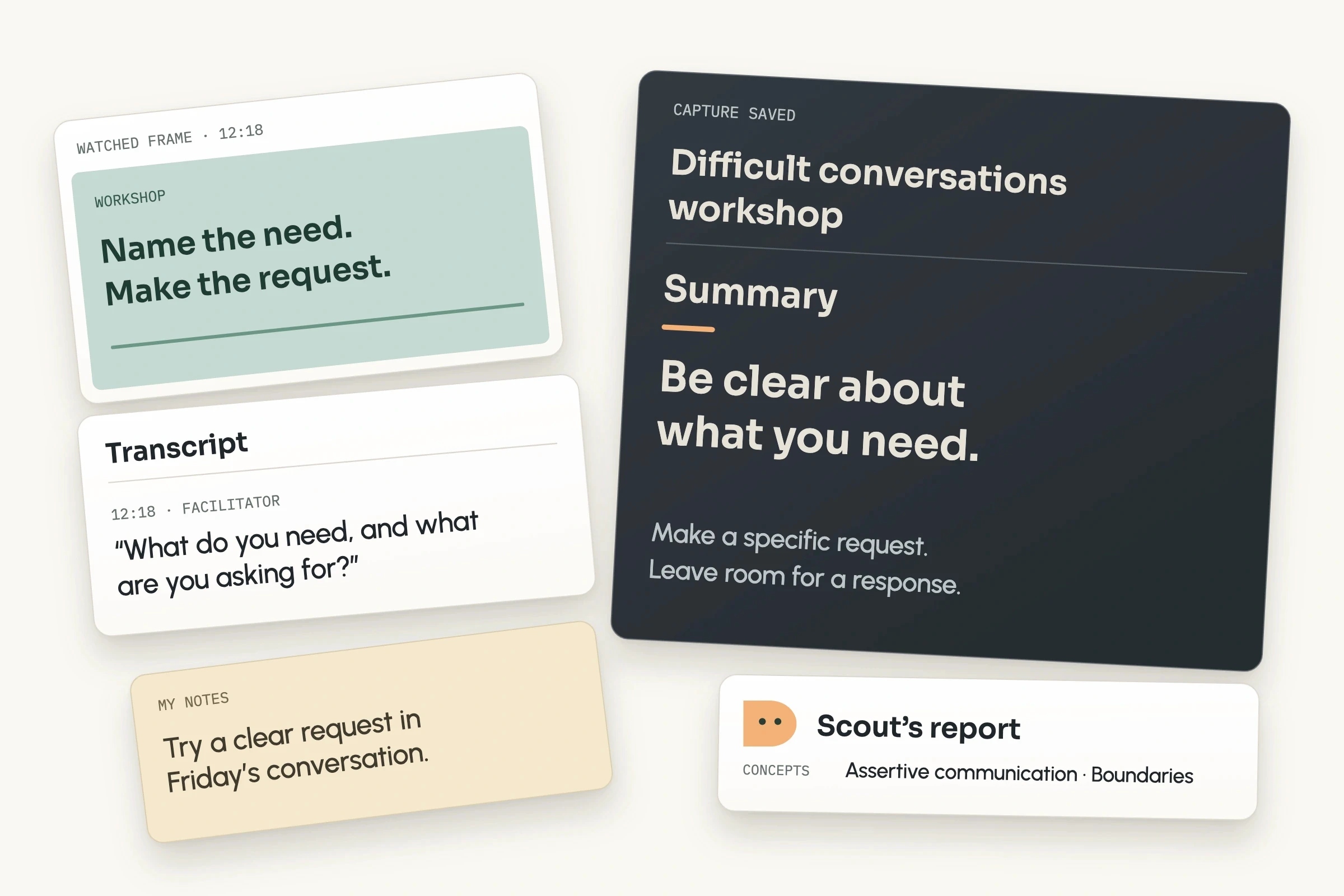
A summary of what was taught
When you finish, your notes, the transcript, and your screenshots become one summary of what was taught, with the full transcript and images beside it. If you committed to trying something, that’s in the summary too.
Then put it to use
Each capture joins your library beside everything else you’re learning, and your Bettership agents can pick it up from there. Meet the Bettership agents

Organized with the rest of your library
File a capture into a collection while it’s still running, and note who taught it. Its frameworks and ideas link to the same ones in your other resources, so the workshop sits next to the podcast and article that made a related point. Search finds it later by its title, summary, or your notes.

Ask about it
Ask what the session covered, or how it fits with what you’ve already added.

Practice it while it’s fresh
Get quizzed on it, or explain the main idea back and see what held up.

Turn it into a skill
Turn a method from the workshop into a prompt or skill for the AI tools you use, like Claude and ChatGPT.
Common questions
Yes, and an AI notepad. It transcribes the session like a notetaker, and you type your own notes while it listens. Your notes, the transcript, and your screenshots go into one summary of what was taught.
No. Bettership captures audio through the desktop app, so nothing joins the meeting and no one sees an extra attendee.
Yes. It works with anything playing on your computer, including online classes, webinars, cohort workshops on Zoom, Google Meet, or Teams, and course videos. For a session in the room, capture just your microphone.
If anyone else can be heard, let them know Bettership is keeping a transcript. The app reminds you each time you start a capture.
The audio stays on your computer for about a week, so it can be transcribed again if needed, and then it’s deleted. If the live transcript missed part of the session, Bettership uploads that audio to fill the gap and deletes it once it’s done. The transcript, your notes, your screenshots, and the summary are saved in your library.
Live capture is on every plan and uses credits, the same ones that pay for adding resources. An hour-long session uses 2. See pricing
English, for now.
The Bettership desktop app, on macOS 13 or later and a Mac with Apple silicon.
Bring Bettership to your next workshop
Start a capture when it begins and take notes the way you always do. Soon after it ends, you’ll have a summary of what was taught, ready to practice and put to work toward what you’re after.
Get started for free.