LEARN
An AI RSS reader for podcasts, YouTube, and newsletters
Follow the shows, channels, and newsletters you learn from. New episodes and posts wait in your Inbox, with articles already summarized, and the ones you add become part of what you’re learning.
Get started for free.
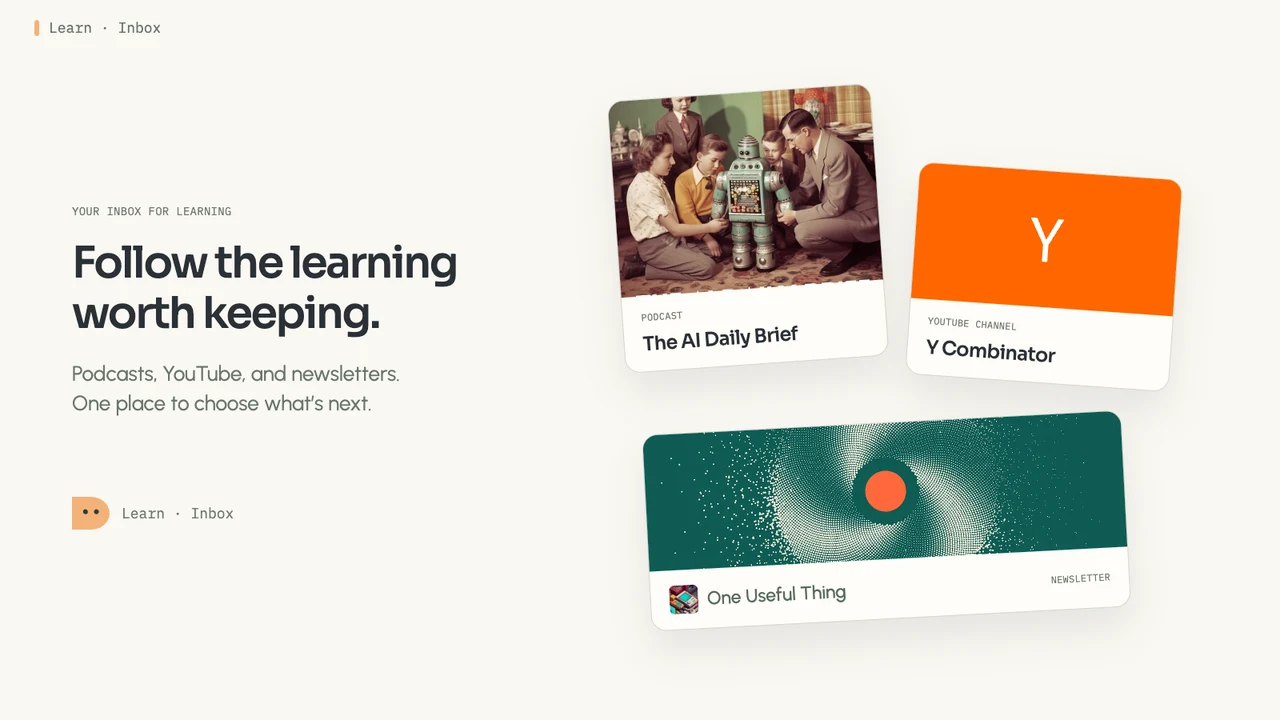
It’s hard to tell which new episodes are worth your time
You subscribed because these shows and writers have taught you something before. Now new episodes and posts arrive across your podcast app, YouTube, and email faster than you can sort them, and nothing tells you which ones fit what you’re working on right now. Picking means guessing.
Preview what’s new, then keep only what fits

Follow what you learn from
Paste a link to a show, a YouTube channel, a newsletter, or any RSS feed. Apple Podcasts and Spotify links work, and a website’s address is usually enough for Bettership to find its feed.

New posts land in your Inbox
When you follow, the newest few come in right away. After that, Bettership checks each feed about once a day and brings in what’s new.

Preview before you decide
Articles arrive with a summary, and episodes and videos show their description and length. Filter by format or publication, or sort shortest first when you only have a few minutes.

Add it or archive it
Add the ones you want to your library, where episodes get full transcripts and everything gets a summary and links to the rest of your learning. Archive the rest, and undo it if you change your mind.
Keep up with what matters
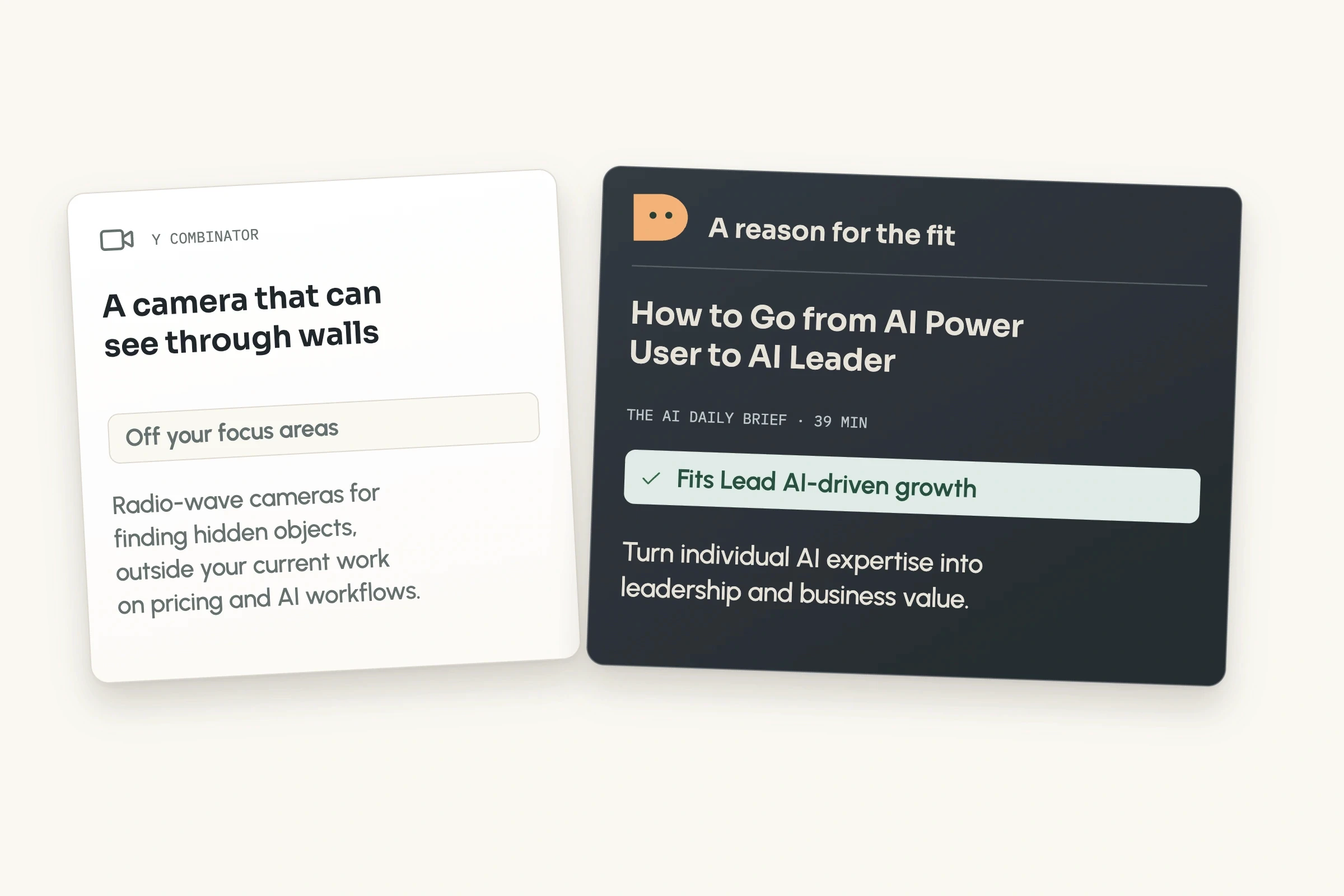
See what fits your focus
On Plus and Max, each new episode and post is marked with the focus area it fits, or as off your focus, with a one-line reason why. Filter to the ones that fit, and your Home page lists them too.
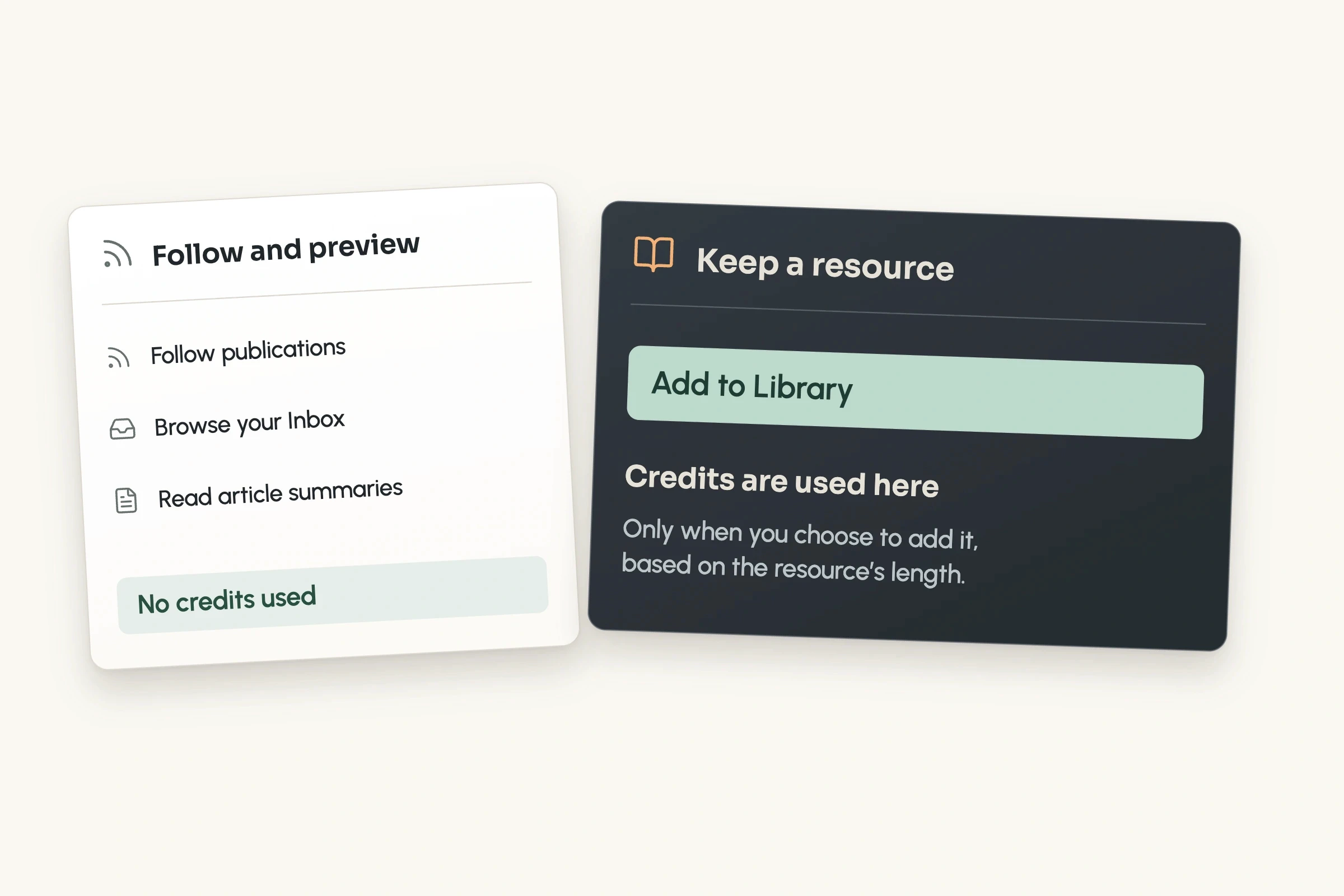
Nothing costs a credit until you add it
Following and your Inbox are free on every plan, and article summaries come at no charge. Credits are used only when you add something to your library, based on its length.

Ask in chat
Paste a show’s link in chat to follow it, ask what’s come in lately, or have your Bettership agents add or archive items by name.

Part of what you’re learning
What you add joins the rest of your library. Its ideas link into your knowledge graph, and you can ask about it or practice it like anything else.
Common questions
An RSS reader collects new posts and episodes from the sites, shows, and channels you follow. Bettership adds AI on top: articles arrive summarized, and on Plus and Max each new item is marked with how it fits your focus. What you add becomes part of your library, ready to ask about and practice. It all runs in the Bettership desktop app for macOS.
Yes. Follow YouTube channels, podcasts from Apple Podcasts, Spotify, or any feed, newsletters and blogs with a web feed, and Medium writers. Everything new lands in the same Inbox, and you can filter it by format or publication.
Yes, if the show also has a public podcast feed. Paste the Spotify or Apple Podcasts link and Bettership finds the feed. Shows that are only on Spotify can’t be followed yet.
No. Bettership follows a newsletter through its web feed, so you never forward or share your email. Substack, Ghost, and Medium newsletters have one, so paste the newsletter’s link and Bettership finds it. For paid posts you read in your browser, add them with Bettership for Chrome.
No. New items wait in your Inbox until you add them, and nothing is transcribed or uses credits until then. You can pause a feed and pick it back up later, and if you stop following one, what already arrived stays in your Inbox.
Bettership checks each feed about once a day, and right away when you first follow it, bringing in the newest few. You can refresh any feed to check it now.
On Plus and Max, Bettership reads each new item’s title, description, and length, or its summary for articles, and compares it with the focus areas you’ve set. It marks the one it fits, or notes that it’s off your focus, with a short reason. It never hides or archives anything, so the choice stays yours.
Following and the Inbox are on every plan. Marking what fits your focus is part of Plus and Max. See pricing
Spend your time on the episodes and posts that move you forward
Follow the show you never miss and the newsletter you always open, and see what’s waiting in your Inbox.
Get started for free.