LEARN
YouTube and podcast transcripts and summaries
Add a YouTube video or podcast episode and get the full transcript and a summary that follows it from start to finish. Weeks later, you can still find the point you wanted, ask about it, or practice it.
Get started for free.
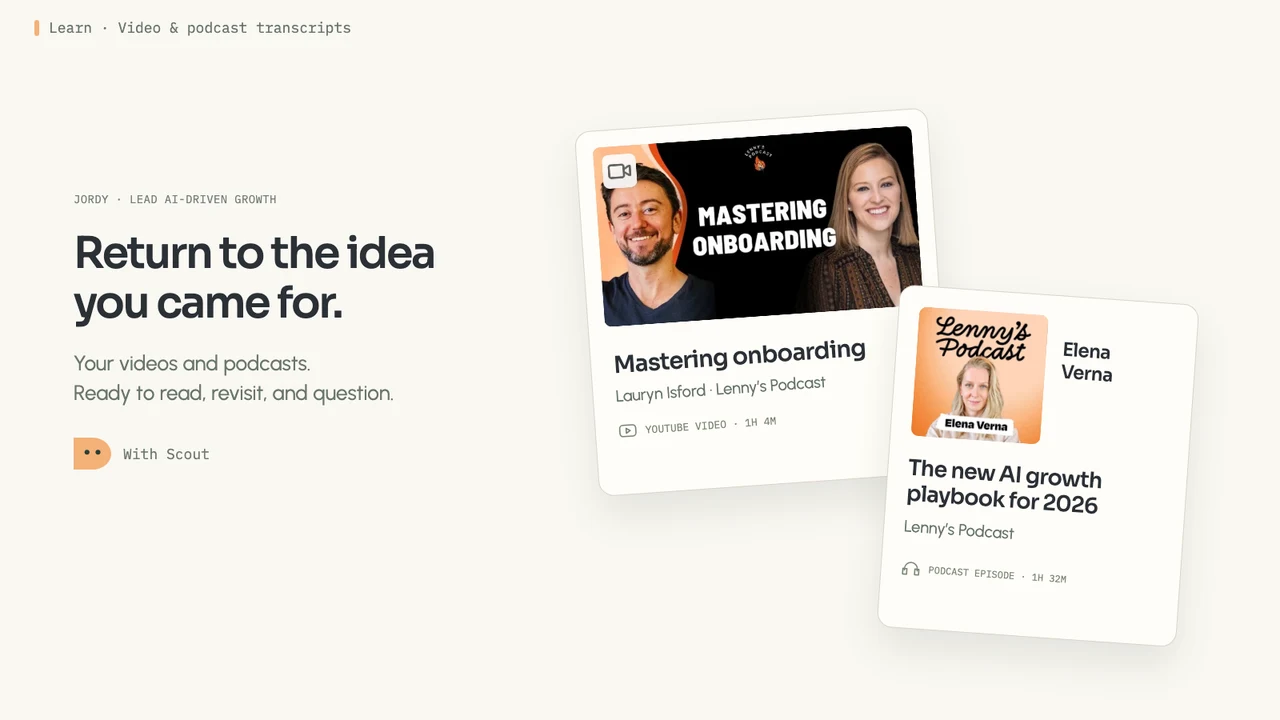
Great episodes are packed with lessons. Most of them slip away.
The videos and podcasts you learn from are full of ideas you can see yourself using. Then the episode ends, the next one starts, and those ideas begin to fade within hours. Saving it for later just grows the list. Bettership transcribes and summarizes each one you add and connects it to what you’re working toward, so you can keep using what it taught.
Every video and episode becomes a transcript, a summary, and notes of your own

Add any video or episode
Paste a link from YouTube, Vimeo, or Loom, or an episode from Apple Podcasts, Spotify, or any podcast feed. You can also upload your own audio and video files.

The full transcript
Every word, with timestamps. Click any paragraph to play from that moment, and the transcript follows along as it plays. Later, search across every transcript to find the episode a line came from.
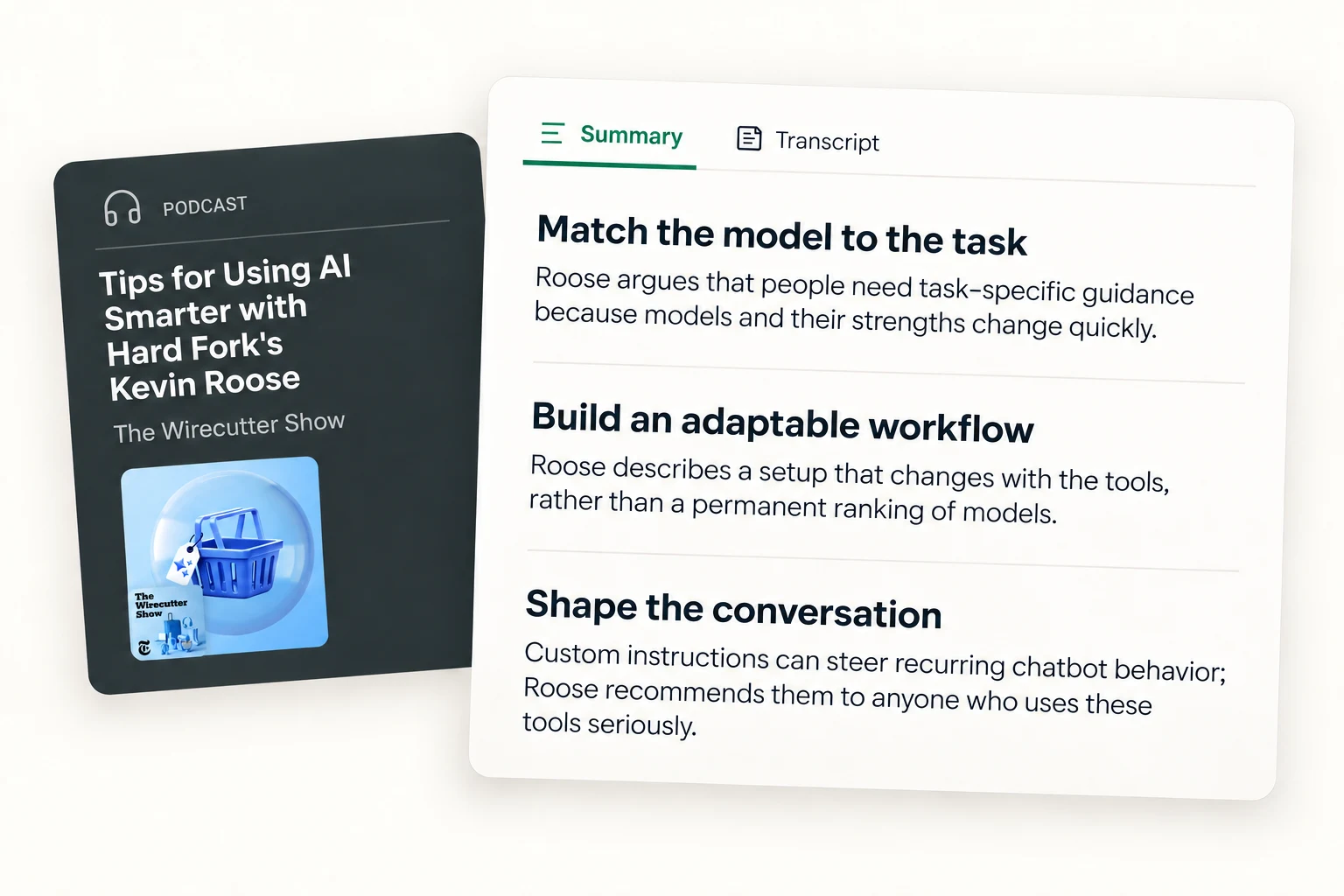
A summary that follows the episode
A short overview, then the main ideas in the order the episode covers them, so the story behind each idea stays intact. When the creator added chapters, they show up in the transcript too.
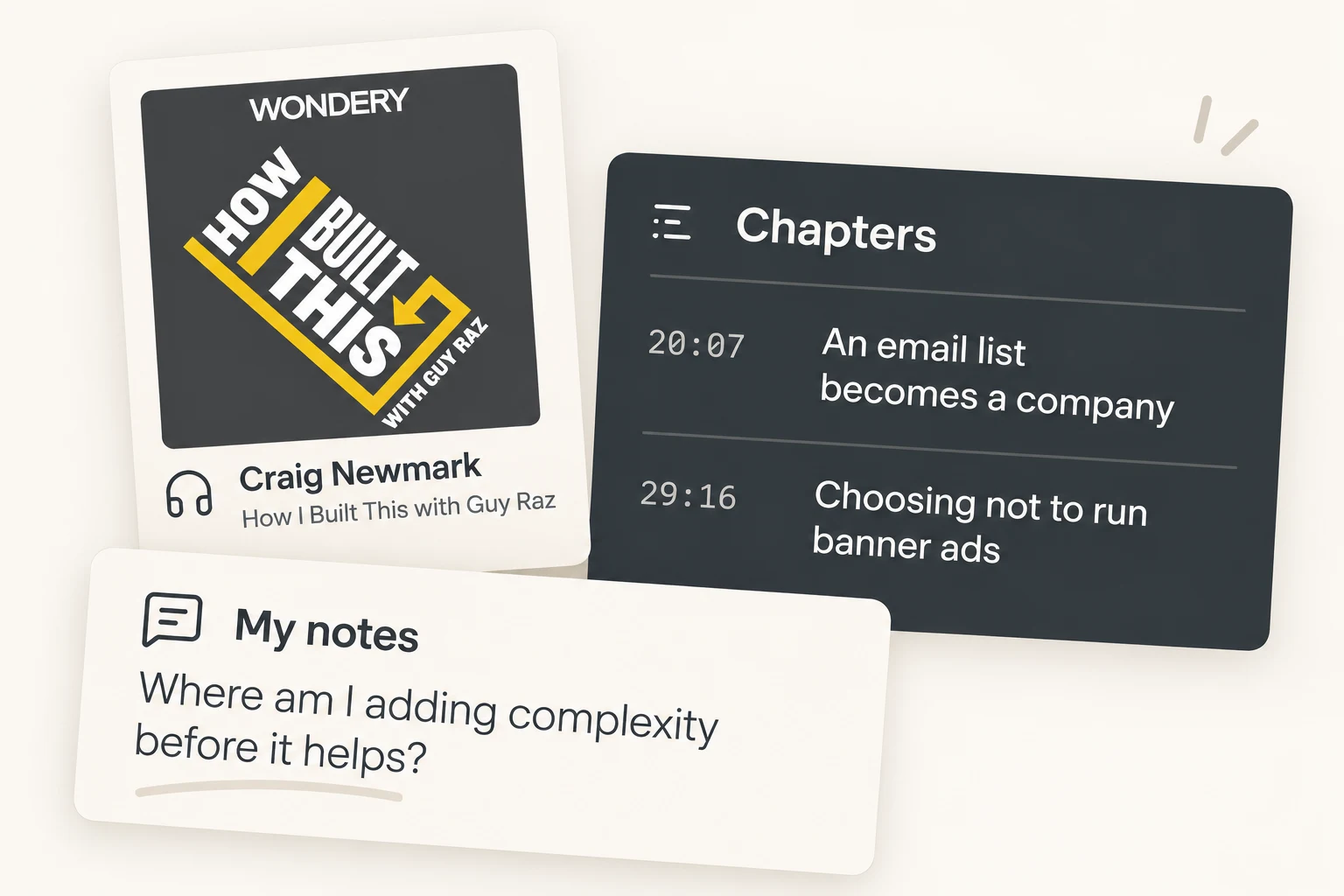
Notes of your own
Highlight what stands out, react to it, and add your own notes right on the transcript, so your thinking sits beside the episode’s.
Make it part of what you’re getting better at
Each video and episode joins your library and gets read against what you’re working toward, so you can move from taking it in to acting on it. Your Bettership agents can help from there. Meet the Bettership agents

See how it fits your focus
Bettership reads each one and tells you how it fits your focus areas, and what it adds over what you already have.

Ideas that build on each other
The frameworks, ideas, and people it mentions link to the same ones in your other resources, so a podcast, a video, and a course on the same idea add up to one thing you understand.

Ask about it
Ask what an episode said about something, or how two of them compare.

Practice it and put it to work
Get quizzed on the ideas worth keeping, or turn a method from it into a prompt or skill for the AI tools you use.
Common questions
Adding one uses credits based on its length. A half-hour podcast episode uses about 1½. Talking about it afterward and practicing it never use credits. See pricing
Yes, for shows that also have a public podcast feed. Paste the Spotify episode link and Bettership finds it. Apple Podcasts episode links work the same way, as do video podcasts on YouTube and links straight to an audio file. You can also follow any podcast by its feed, or upload your own recordings. Shows that are only on Spotify can’t be added yet.
Bettership transcribes it from the audio. That works for YouTube videos and podcasts. Vimeo videos need their own captions for now. Loom videos work from the desktop app.
Yes. Open any video or episode and ask about it: what it said about a topic, how it fits your focus, or how it compares with something else you’ve added. Your Bettership agents find the parts of the transcript that answer you.
Yes. Follow podcasts, YouTube channels, and newsletters, and new episodes land in your Inbox to keep or skip. Nothing is transcribed or charged until you add it. On Plus and Max, each arrival also comes with a note on how it fits your focus.
Yes. Bettership for Chrome adds the YouTube video or podcast episode you’re on, right from the page. See Bettership for Chrome
English, for now. That covers transcripts, summaries, and search.
Turn your watchlist into skills you apply
Start with the episode you finished this morning, or one you saved months ago, and see how it fits what you’re working toward.
Get started for free.